

-
Direct To Garment (DTG) 0
-
Getting Started 19
-
Texjet® Garment Printers 58
-
Textile Applications 30
-
RIP Software 27
-
PreTreater Pro 15
-
Troubleshooting 20
-
-
Direct To Film (DTF) 1
PreTreater Pro: How to check the Notification System

Being proactive, the machine uses built in safety and proximity sensors to notify you in every stage of your production process. This way an uninterrupted workflow can be achieved, ensuring minimum and essential delays only.
Yellow and Red indicators that appear on your Home screen, warn you for future action, making your job hassle free. For example, you don’t have to manually check the level of your liquids every now and then, let the machine provide you ease of mind.
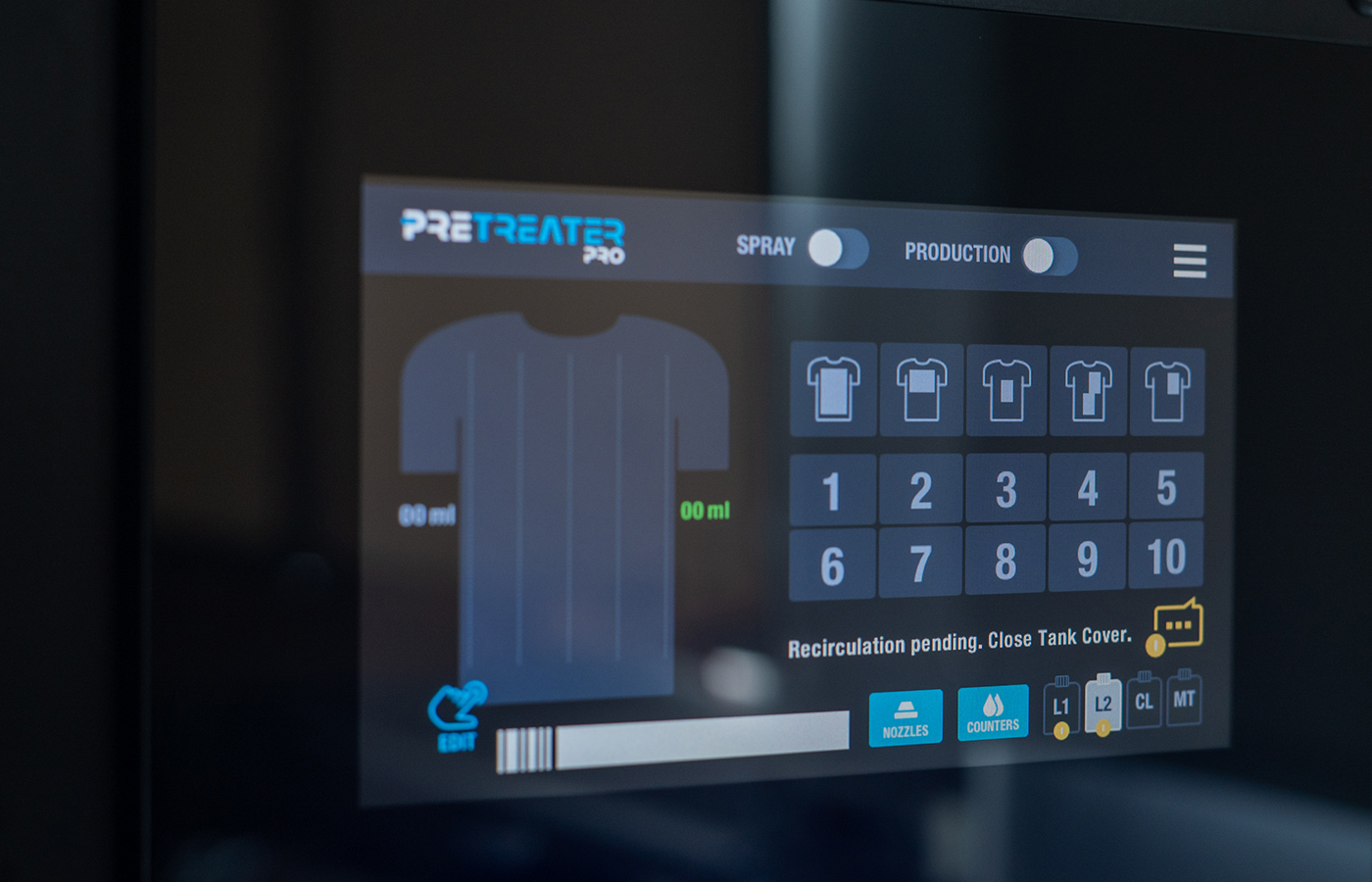
To understand better how the notification system works here is a detailed example:
Opening the Nozzle Access Cover, you see that a yellow notification popped-up instantly on your screen.
Tapping the net, takes you to the Notifications page and there you can view, what the issue is. Closing the Nozzle Access Cover, immediately removes the warning notification message. Going back to the Home screen, you see its clear and ready to carry on.


