

-
Direct To Garment (DTG) 0
-
Getting Started 19
-
Texjet® Garment Printers 58
-
Textile Applications 30
-
RIP Software 27
-
PreTreater Pro 15
-
Troubleshooting 20
-
-
Direct To Film (DTF) 1
PreTreater Pro: Daily Wake Up procedure


Daily liquid check
STEP 1
Open the Tank Compartment Cover.
STEP 2
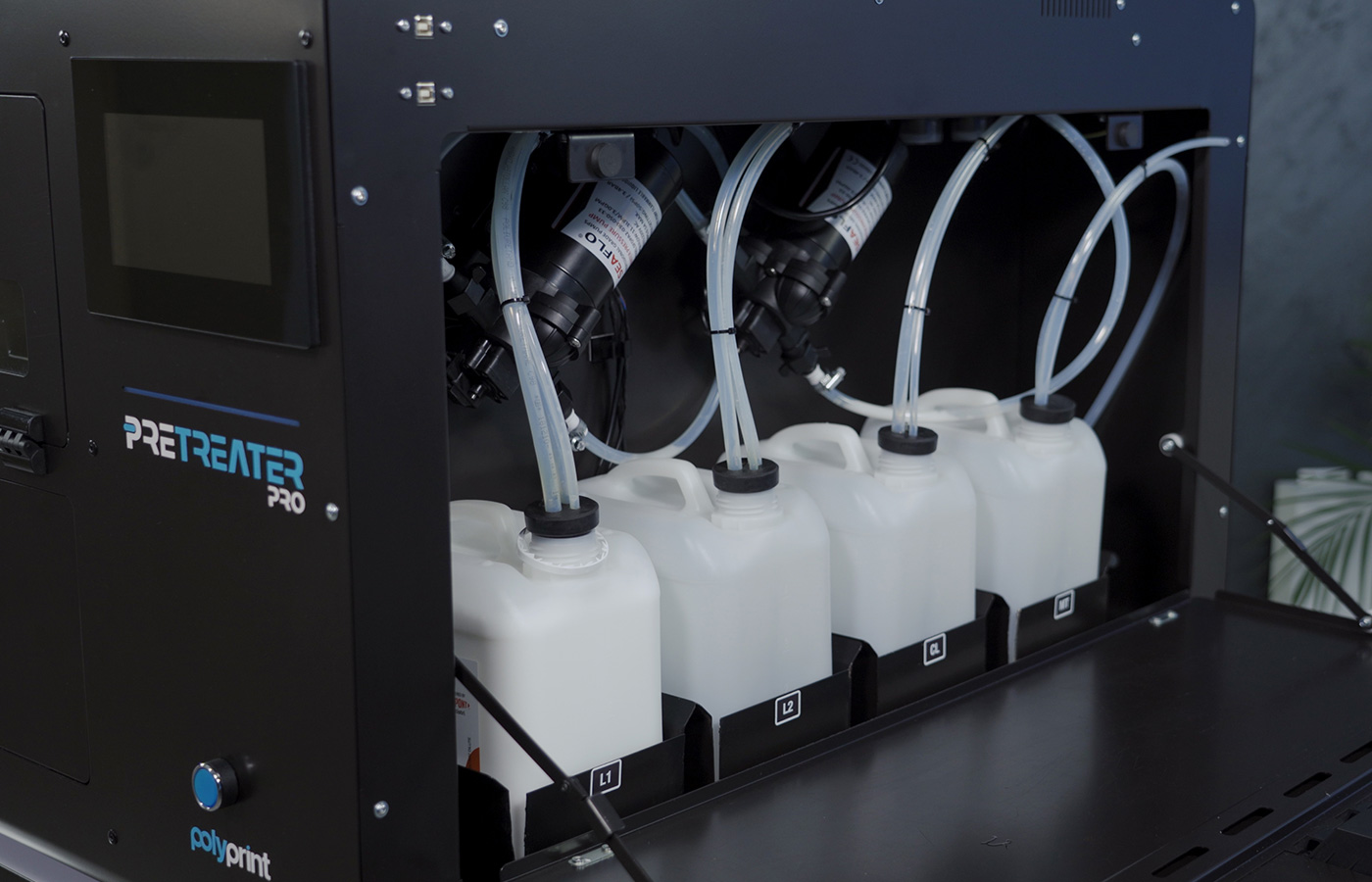
Check the pretreatment liquid level in the L1, L2, CL tanks. If needed, refill them or replace them with new ones.
PreTreater Pro: Tank Filling Procedure
PreTreater Pro: Tank replacement procedure
STEP 3
Empty the Maintenance Tank from the waste.
Daily Wake Up
STEP 1
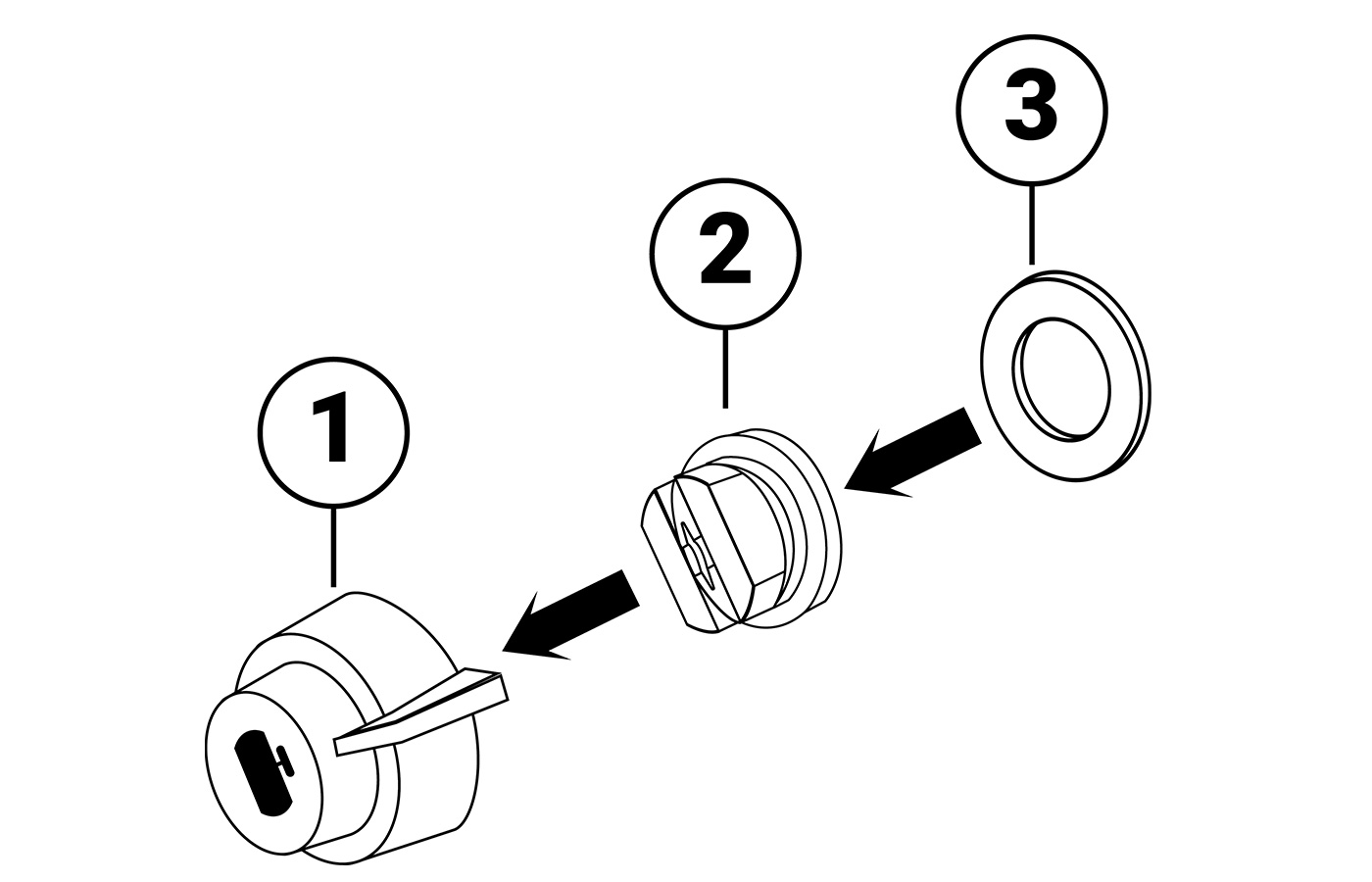 Assemble correctly the nozzles following the steps below:
- Take the 4 nozzles out of the ultrasonic device.
- Insert the nozzles inside the blue nozzle holder.
- Position the black gasket inside the blue nozzle holder and push it in place to tighten.
STEP 2
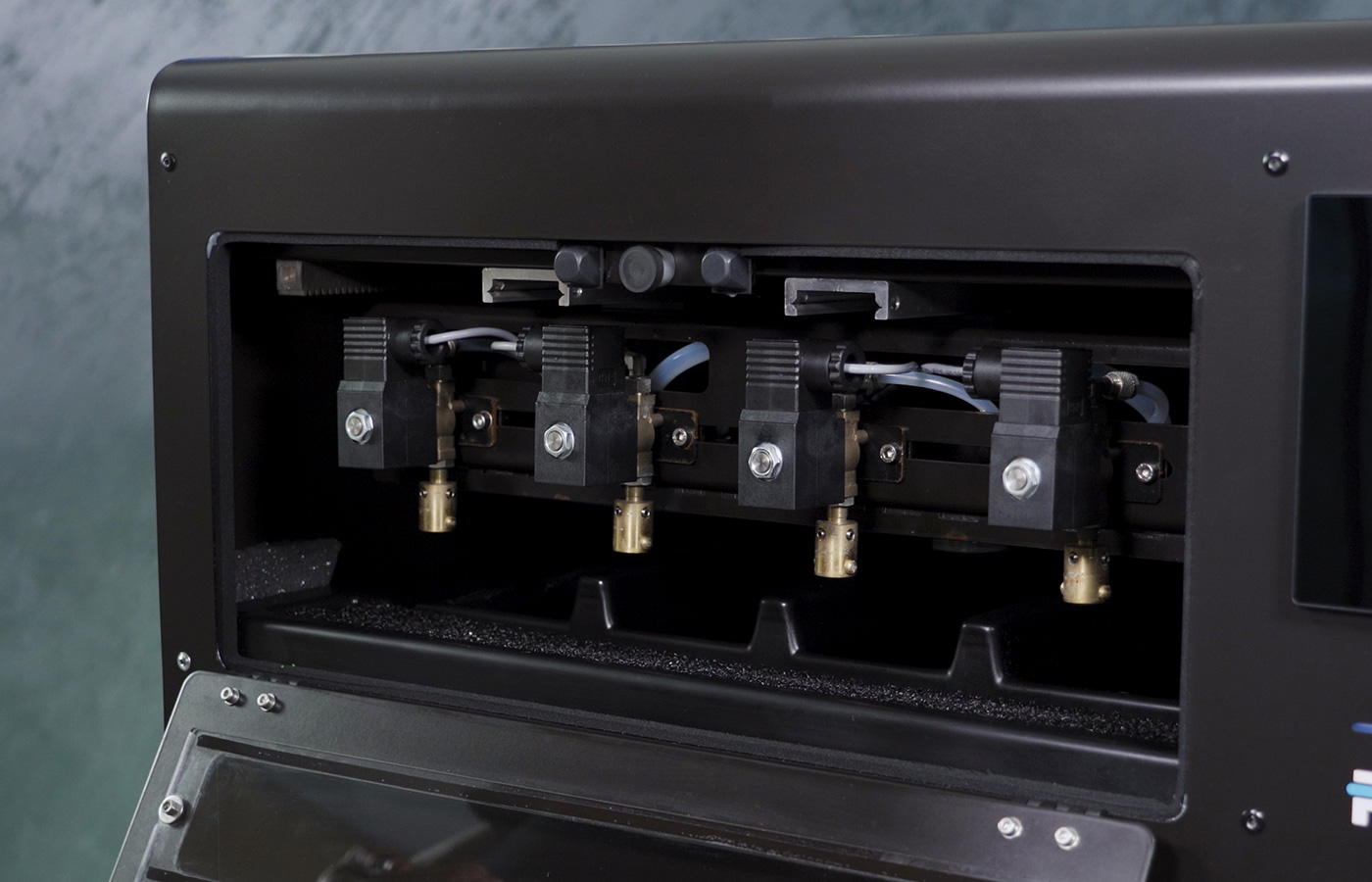 Open the Nozzle Access Cover and pull out the Nozzle Carriage for better access.
STEP 3
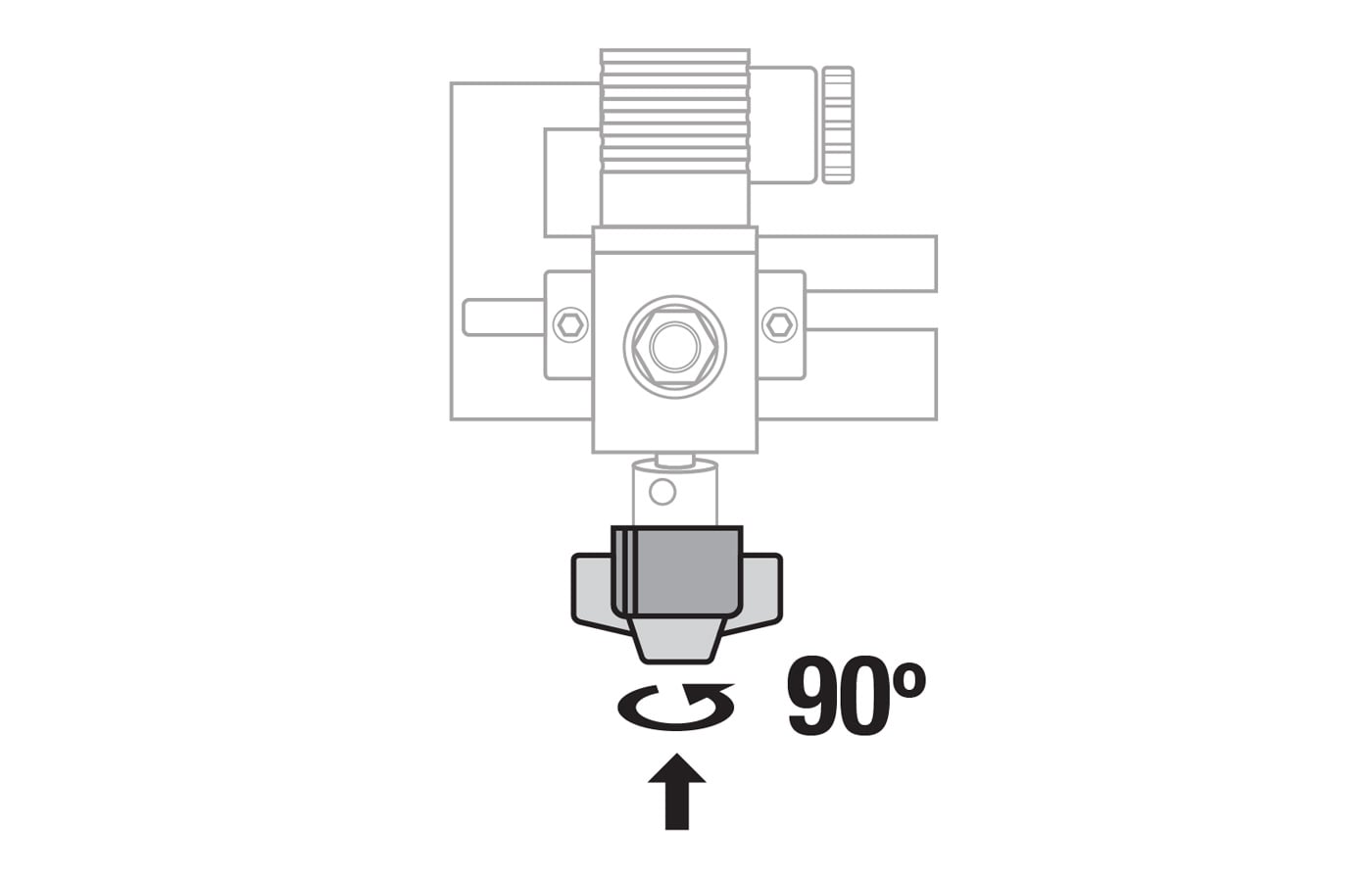 Attach the nozzle assembly to the Nozzle Carriage and turn it 90 degrees counterclockwise, to lock it in position.
STEP 4
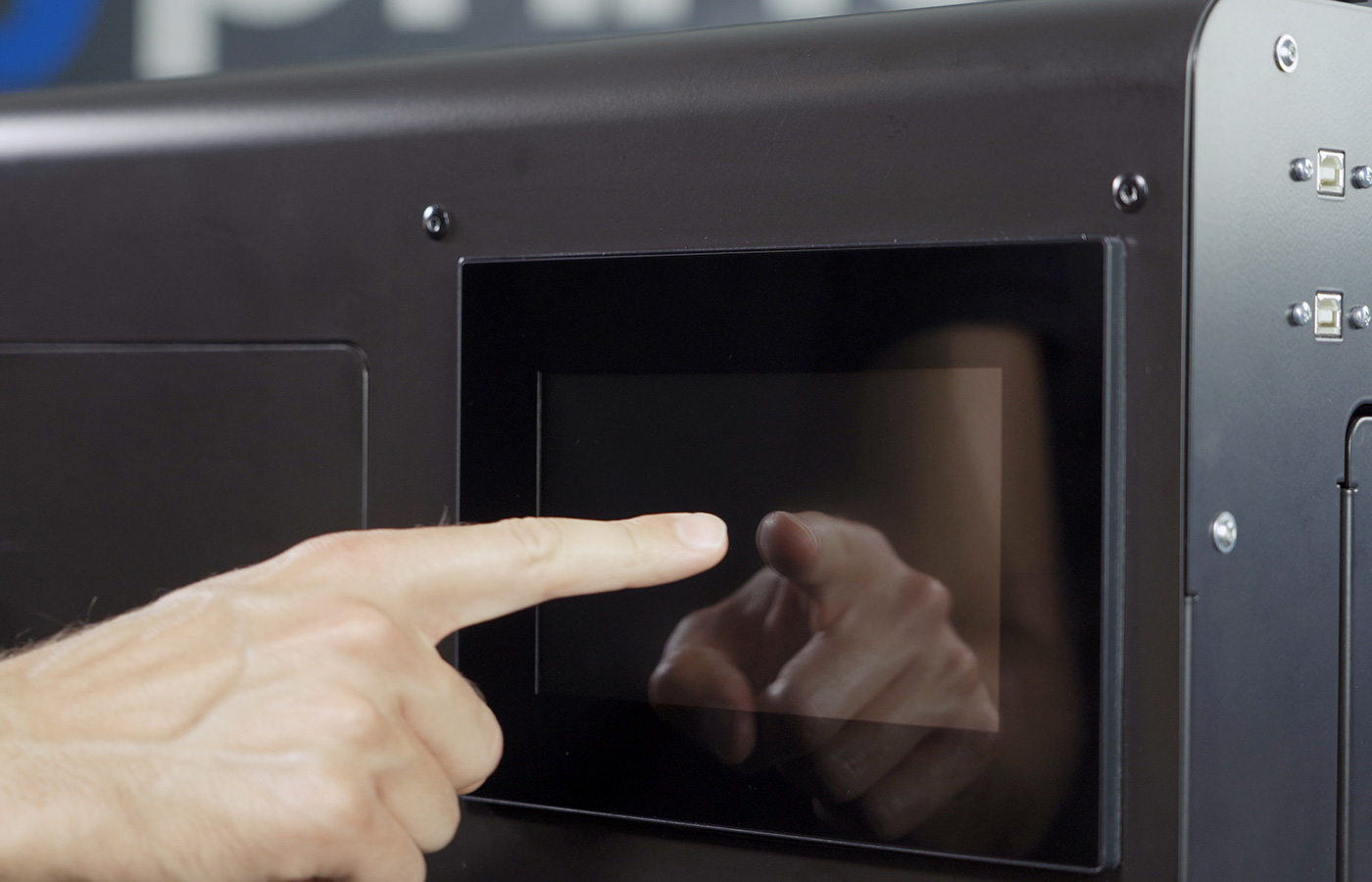 Initiate the machine by taping on the touchscreen.
STEP 5
Select the tank you want to use and carry on with your production.
PreTreater Pro: How to select a Tank


esc