

-
Direct To Garment (DTG) 0
-
Getting Started 19
-
Texjet® Garment Printers 58
-
Textile Applications 30
-
RIP Software 27
-
PreTreater Pro 15
-
Troubleshooting 20
-
-
Direct To Film (DTF) 1
TexJet echo2: Monthly maintenance guide


The echo2 printer consists of several parts, some of them more delicate than others. Each of its parts need maintenance, depending on their estimated lifetime. Accordingly:
The CR scale and the carriage shaft are two compartments that they require monthly preservation in order to prolong their life span and ensure that they work properly. Before proceeding on to cleaning them, the printer should be in maintenance mode:
STEP 1
Press Shift + Down Button at the Platen Control panel to enter Maintenance Mode.
STEP 2
Follow the instructions that will appear at the Platen Control panel. Tap on the Service button at the Printhead Control panel. Choose Maintenance, Print Head Cleaning and Head Cleaning.
STEP 3
Wait for Printhead Control panel to turn off.
CR Scale cleaning
Put some isopropyl alcohol on a piece of paper and gently pass it over the transparent encoder strip, behind the head carriage. Make sure that you have previously unlocked the head, so you can clean all the scale with ease, even over the capping station.
Carriage Shaft Cleaning
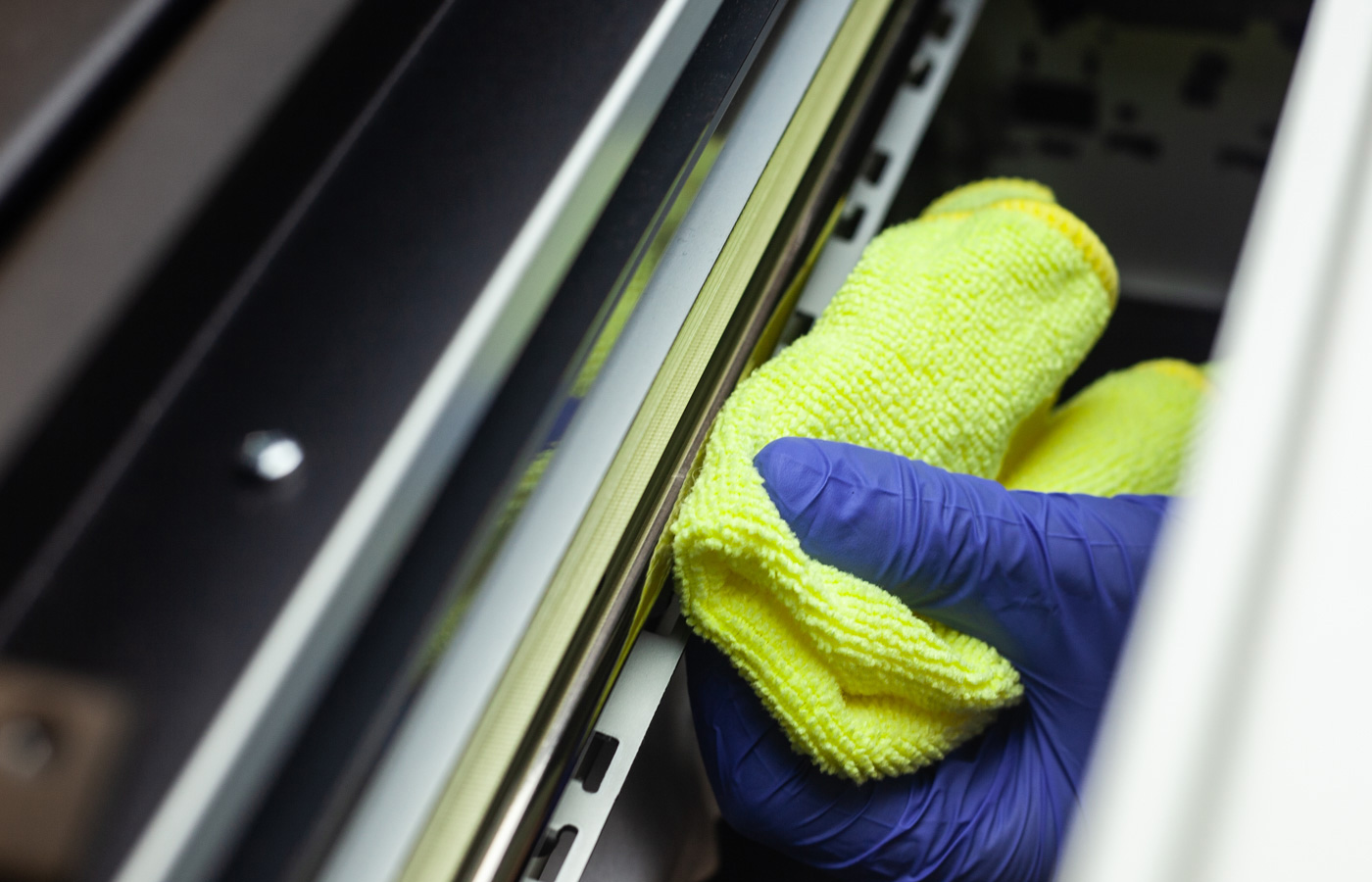
Pass a clean piece of cloth over the carriage shaft to clean it from the ink mist that has been created during printing. Make sure that you have previously unlocked the head, so you can clean all the carriage with ease, even over the capping station.
Note: Do not put grease in the carriage shaft if the TexJet Series printer is less than one year old. If the printer is more than one year old, when cleaned, use the WD40 lubrication oil spray.
Refillable Cartridge Cleaning
STEP 1
Remove the sealing/refilling tap from each cartridge.
STEP 2
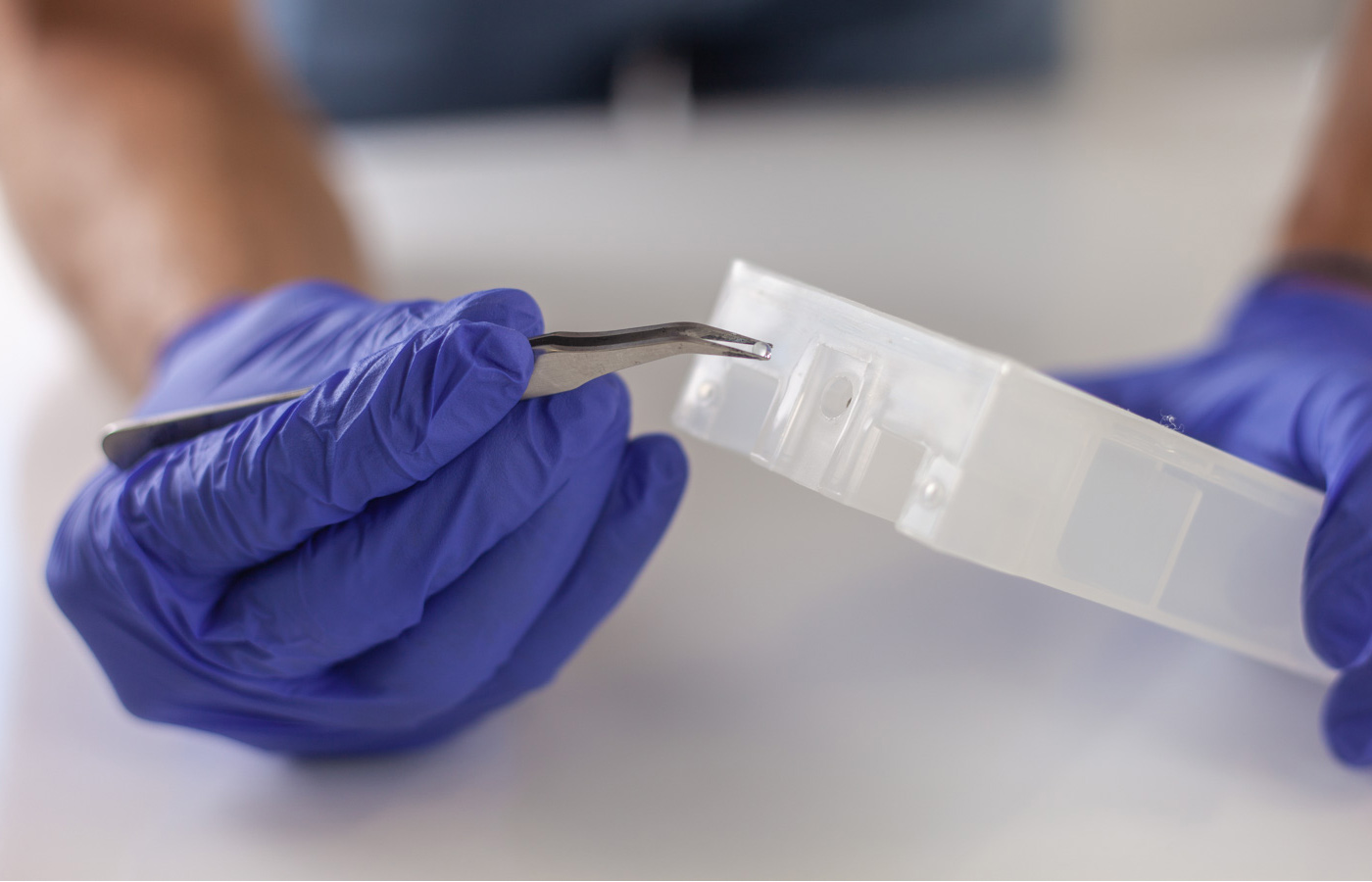 Carefully, remove with a tweezer tool the dried ink from the refilling hole and the sealing tap. Insert back the sealing tap when finished.
STEP 3
With the tweezer tool remove the dried ink from the rubber valve at the back of the cartridge.


