

-
Direct To Garment (DTG) 0
-
Getting Started 19
-
Texjet® Garment Printers 58
-
Textile Applications 30
-
RIP Software 27
-
PreTreater Pro 15
-
Troubleshooting 20
-
-
Direct To Film (DTF) 1
TexJet shortee2: Waste bottle reset

The maintenance or waste bottle is where all the ink from cleanings is gathered. In order for the printer to run properly, the waste bottle should be emptied and reset after frequent cleanings, usually after a large production run and of course, before and after initiating an Ink Charge.
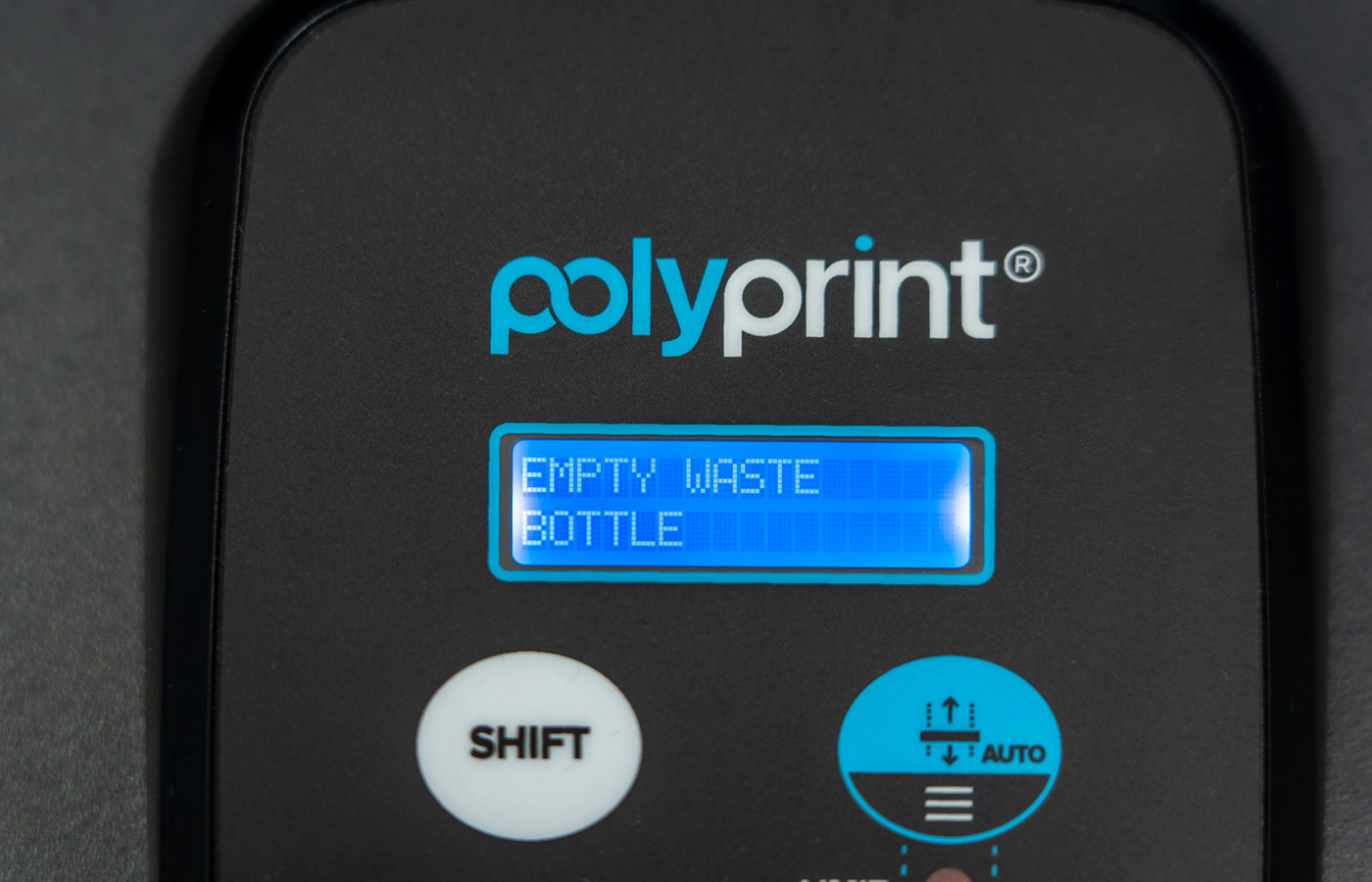
If the waste bottle, located at the right back side of the printer, is nearly full, a message will be displayed on the Platen Control (lower) panel indicating “Empty Waste Bottle”. To reset it follow the procedure below:
Step 1
Empty the waste bottle and put it back in its original position.
Note: Don’t close the waste tank tightly. Leave it a little loose, so air can get out while it is filling.
Step 2
Press any key on the Platen Control panel to remove the warning message.


