

-
Direct To Garment (DTG) 0
-
Getting Started 19
-
Texjet® Garment Printers 58
-
Textile Applications 30
-
RIP Software 27
-
PreTreater Pro 15
-
Troubleshooting 20
-
-
Direct To Film (DTF) 1
Texjet NG Series Printers: Wiper blade system maintenance


Wiper blade system maintenance
STEP 1
At the NG Touchscreen, go to Menu (three bar symbol at the top right corner). Tap on Maintenance.
STEP 2
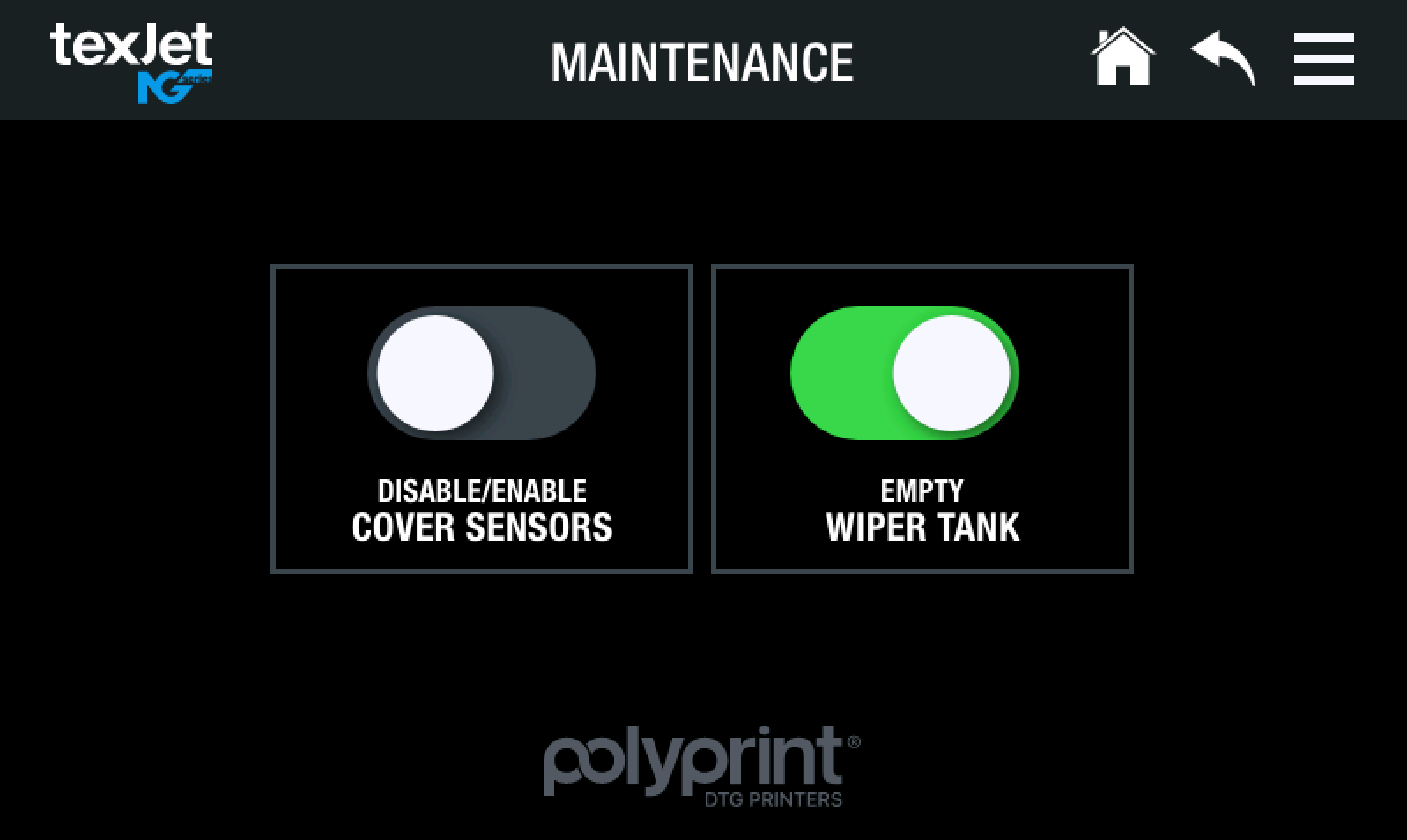 Activate the Empty Wiper Tank toggle button, so the waste pump can start draining the dirty maintenance liquid. You can stop the drain if you tap the Empty Wiper Tank toggle button again.
STEP 3
On the Touchscreen go to Menu. Tap on Power ON/OFF. Select Printer so the printer shuts down.
STEP 4
Open the middle and the right covers to have access to the Wiper Blade mechanism.
STEP 5
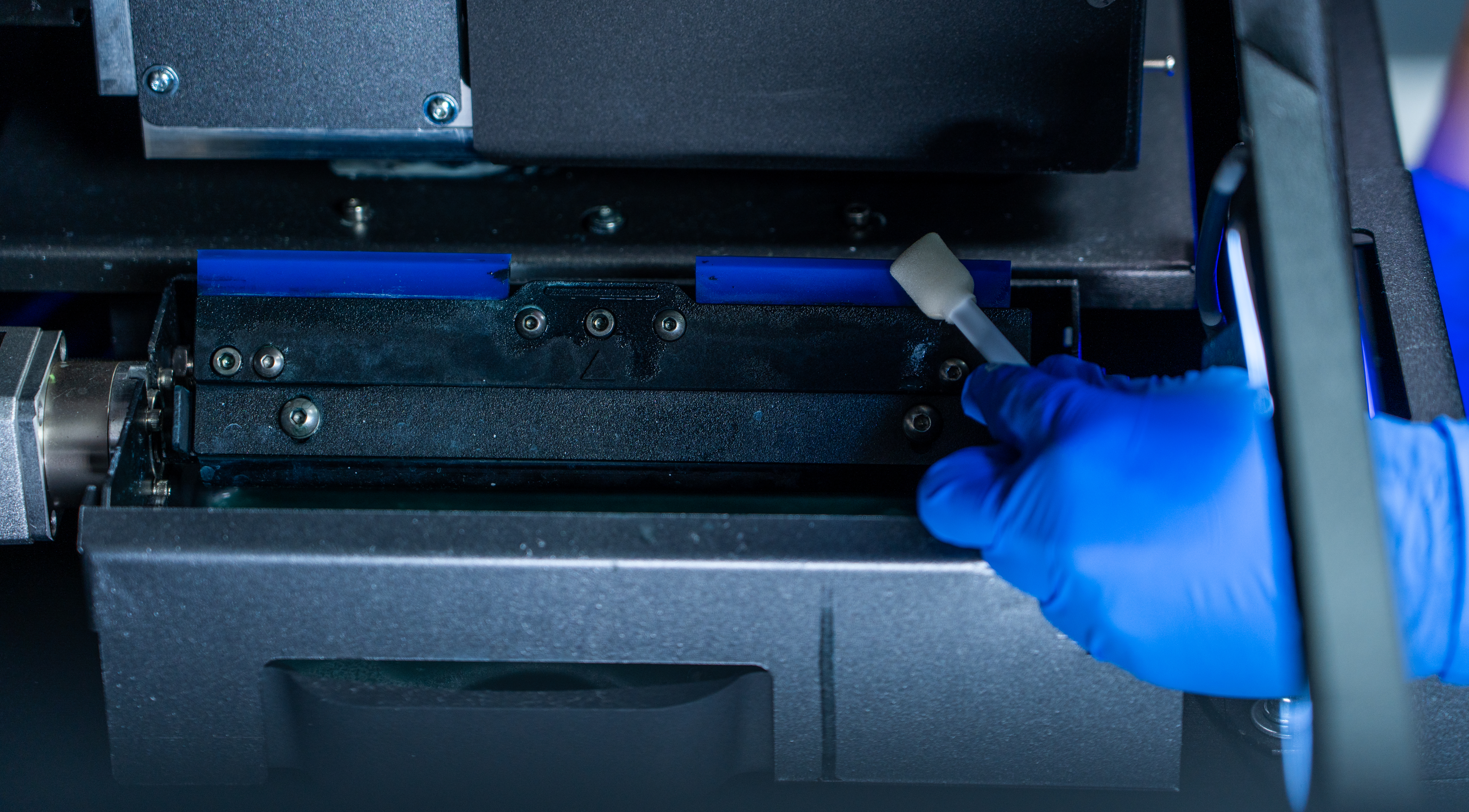 With your hand, turn the mechanism to bring the blades upwards. With a swab clean them from ink. Once finished, turn the mechanism again, so the blades can pool into the maintenance liquid.
STEP 6
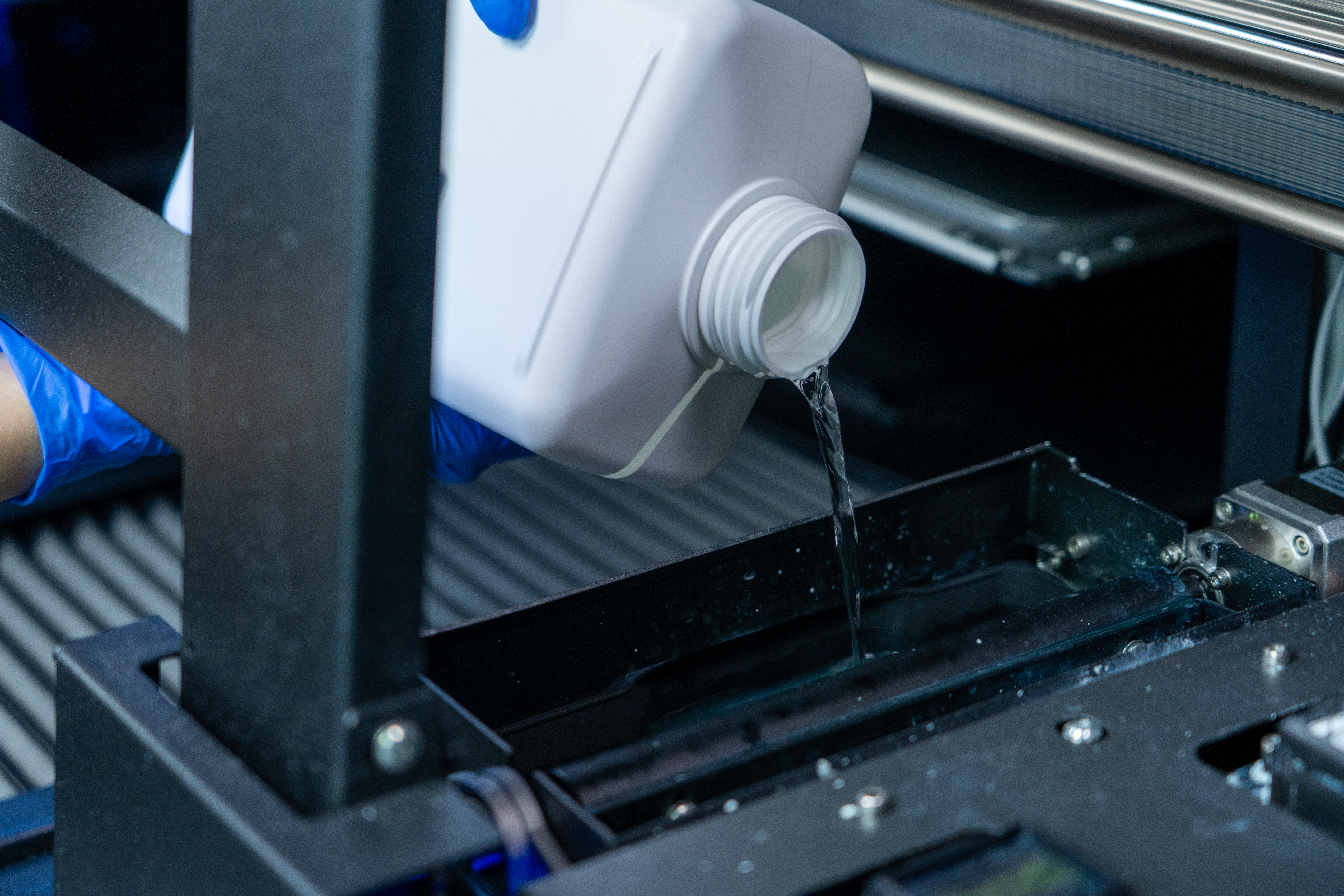 Refill the tank with distilled water and make sure that the wiper blades pool into the maintenance liquid.
Note: We recommend following this maintenance routine at least once a week. If your production is quite large, then you can perform this service once in 2 days.
Tip: If you haven’t cleaned the wiper tank in more than a week, refill and drain 1-2 times more. You can scrab gently - if necessary, the walls of the tank so the dried accumulated ink can be removed.


